Rates cover the financial year 1 July to 30 June and are generally issued by the end of August.
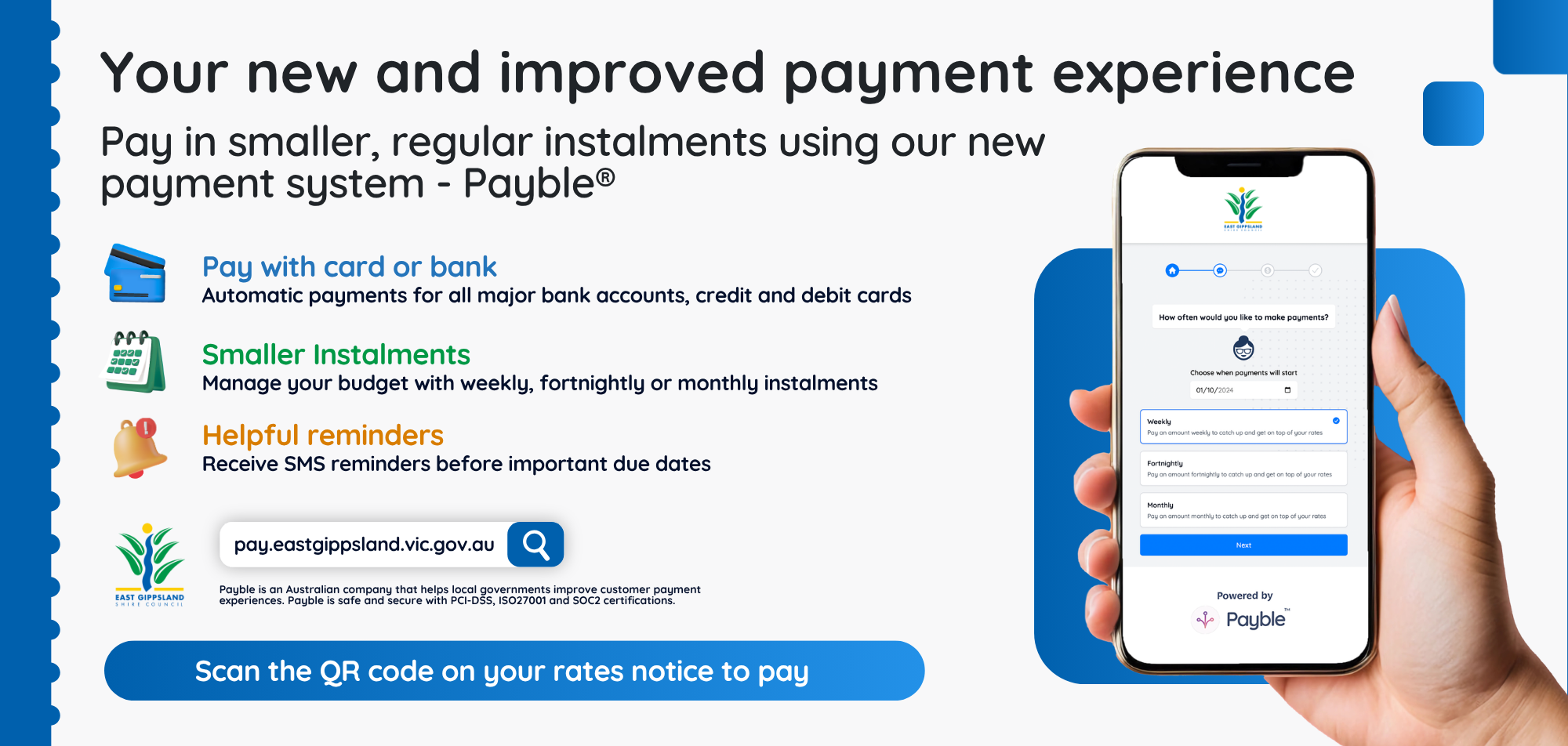
We have just launched Payble, our new secure online platform to help you manage your rates.
Rates cover the financial year 1 July to 30 June and are generally issued by the end of August.
We have just launched Payble, our new secure online platform to help you manage your rates.
Payble is our secure online payment service that helps you manage your rates account.
Payble is an online payment option to help you manage your rates. You can choose to pay your rates in smaller, more frequent payments and never forget payments again. It’s free, easy to set up and you can check your balance at any time. If your circumstances change, you can login and adjust how often you pay.
Payble lets you choose how and when you pay.
You can also visit the Payble website and follow the prompts. Have your assessment number handy.
To make changes to your payment schedule or account, simply scan the QR code on your rates notice, or visit the Payble website and use your mobile phone number to log in.
You will receive SMS confirmation of any changes made to your account.
If you pay your rates as a lump sum, you need to pay by 15 February 2027.
If the full payment is not received by 15 February 2027 interest charges will apply to the outstanding amount.
The penalty interest rate, set by the Minister for Local Government, is 10%.
We offer quarterly instalments:
Note: direct debit applications for current year's rates will not be accepted after 31 December. If the application is received after an instalment has passed, missed payment/swill be required to be paid before the direct debit can be set up.
To pay your rates by this method, we need to receive your first instalment payment by 30 September. If you pay after that date, it is treated as a part payment and you need to pay the rest of your rates by 15 February.
Payments must be received in four instalments by the following dates:
You can set up a direct debit for four instalments or one full payment using our Payble Payment Platform.
If your bank account details change you need to fill in a change of Direct Debit Request form and return it to us at least 14 days before the next payment is due.
If you want to cancel your direct debit arrangement, fill in the Cancel Direct Debit for Rates form and return it to us at least 14 days before the next payment is due.
Centrepay is one way you can pay your rates. It is a voluntary service that is free for Centrelink customers. You can use Centrepay to arrange regular deductions from your Centrelink payment, which will be paid directly to us to cover your rates.
You can start, change, or stop Centrepay deductions at any time.
If you require further information that is not provided below, please visit Service Australia or contact your nearest Centrelink Service Centre. You will need the following details to complete a request:
Option 1:
You can apply directly with Centrelink by visiting one of their service centresor by applying online
Option 2:
You can complete the Centrepay Deduction Authority form and return it to us:
The Deduction Authority form includes important information about Centrepay. Please read this carefully before submitting the form.
You can change orcancel your deduction at any time.
Option 1:
Visit a Centrelink Service Centre or make changes online.
Option 2A:
We can cancel your deduction if you complete our Cancellation of Centrepay Deduction form
Option 2B:
We can change your deduction amount if you complete a new Centrepay Deduction Authority form
For options 2A or 2B, please return the completed form:
If the other payment options do not suit you, you can make regular payments of smaller amounts towards your rates at any time during the rating period.
We can help you determine a suitable amount to pay that will ensure that you do not owe any rates by the final date for payment of your rates.
The earlier you start making payments, the smaller your payments can be, as they are spread across more of the year.
If your rates are already overdue there are other ways that we can help you.
You can make an online payment or set up a direct debit for weekly, fortnightly, monthly, 4instalments or one full payment using our secure payment platform.
In person
You can pay your ratesat our Customer Service Centres or any Australia Post outlet.
If the payment is past the due date, you cannot pay at the Post Office.
Payments can also be posted directly to us at:
PO Box 1618
Bairnsdale, Vic 3875
Receipts are notissued for mailed payments.
Please allow for postal delays as delivery problems will not be accepted as an excuse for late payment.
Online
Pay securely online using our Rates Payment Portal
Pay securely online via our website
BPay: Visit your bank's website to make this payment directly from your nominated account. Biller code: 125864. For the BPay Reference Number, see the payment section at the bottom of your rate notice.
Phone
Phone 1300 321 219 to pay by Visa or MasterCard.
The penalty interest rate, set by the Minister for Local Government, is 10%.
If you are not paying using one of our instalment plans or a payment arrangement, you need to pay in full by 15 February 2027.
If you do not pay in full by this date, interest charges may apply to any outstanding amount. Interest charges apply to any outstanding amount in the same manner as if the ratepayer had elected to pay by quarterly instalments.
Penalty interest will apply on the outstanding amount. This is calculated from the due date of the instalment.
Penalty interest on any arrears of rate, charges or levies will continue to accrue until full payment of the outstanding amount, including interest, is received.
Non-payment of rates may incur legal fees/costs for recovery.
If your rates are already overdue there are other ways that we can help you.